 By 管理员

The setup here is a Home Assistant image installed from an SD card (the OS installation method), running on an 8Gb Raspberry Pi 4 (likely a typo for 8GB).
One thing to keep in mind while following this: your PC and the Home Assistant device have to be on the same LAN.
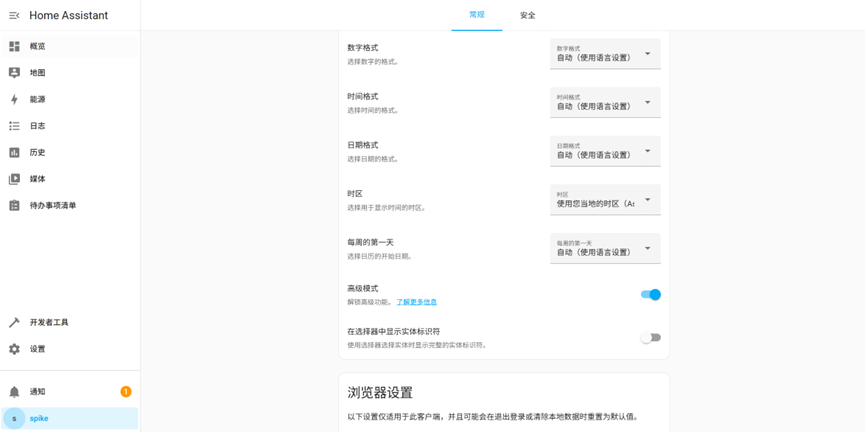
First install the command line. Once the initial configuration is done, click the user icon in the bottom-left corner and turn on Advanced Mode under General.
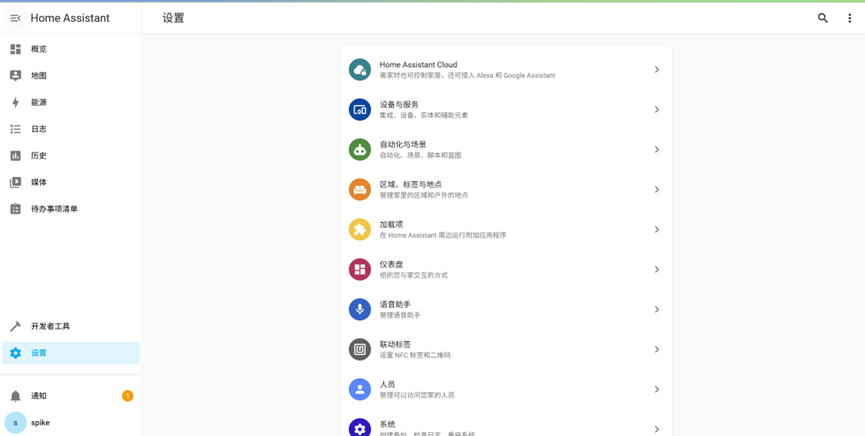
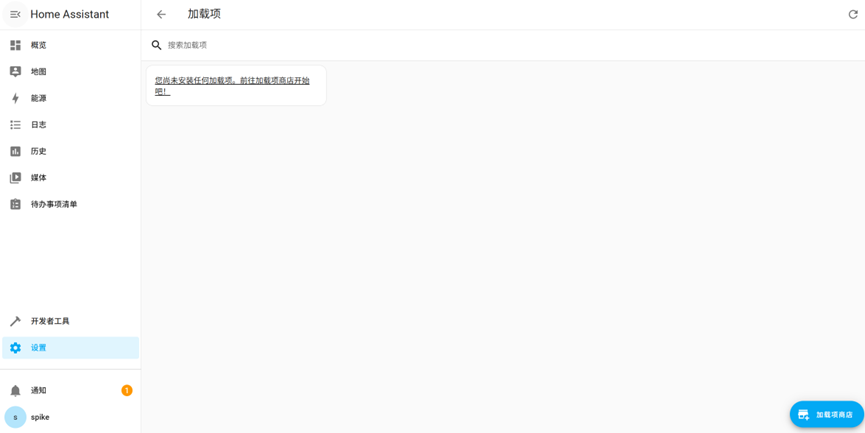
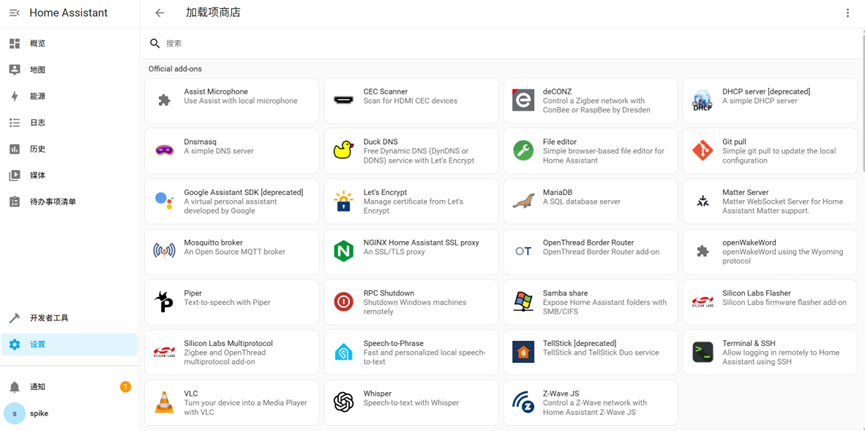
In settings, go to the add-ons and find the add-on store, then locate Terminal & SSH in the store and install it.
Because Docker Hub is blocked, the install may fail and you’ll have to sort that part out yourself. I already have an OpenWrt bypass router at home, so all I had to do was change the router and DNS addresses in the network settings to the bypass router’s IP, and then the install worked.
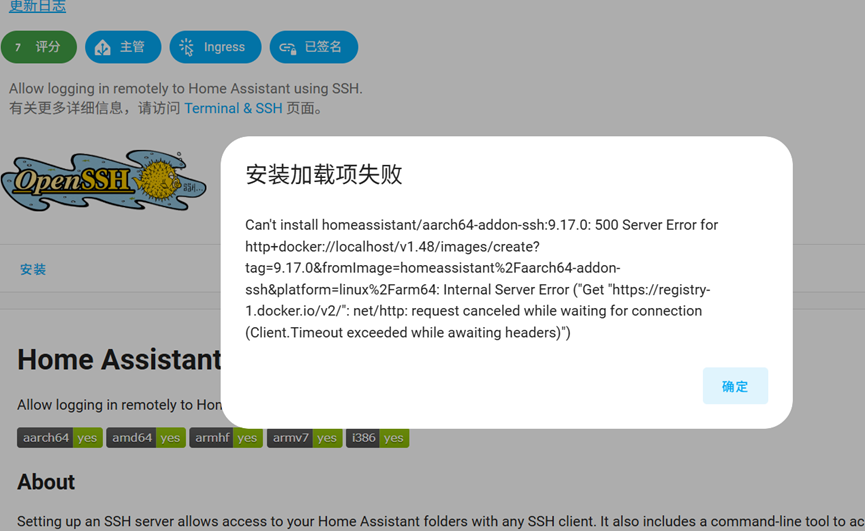
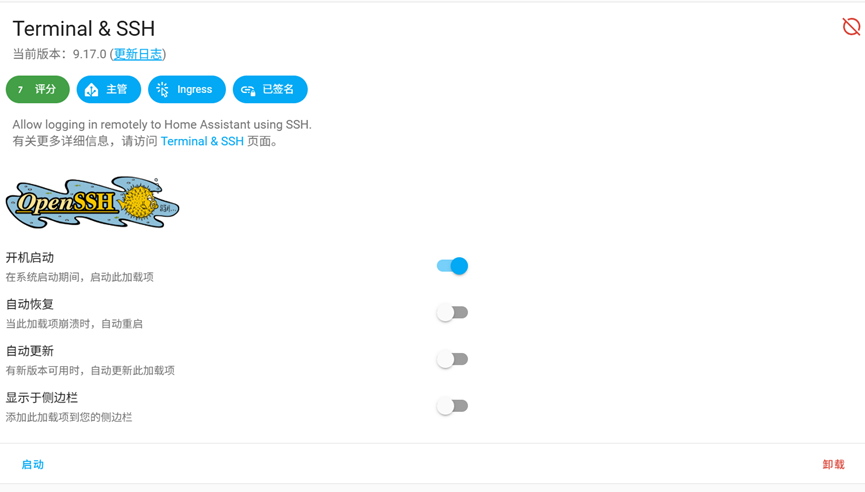
My Home Assistant is the OS install, so I can use the official link to install GET HACS straight away. If you installed via docker or some other method, you can use the ssh terminal we installed above instead.
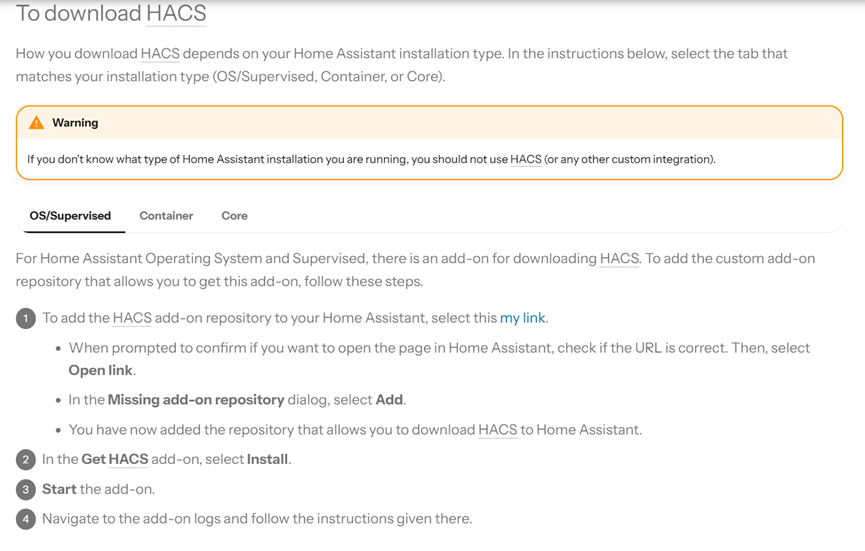
Click the my link in the official docs and it jumps straight to the install page.
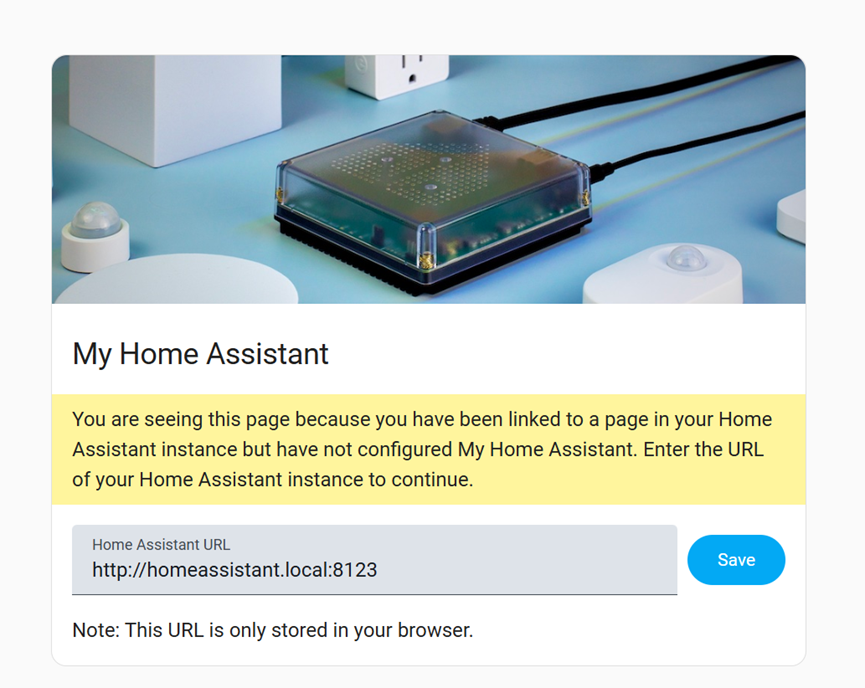
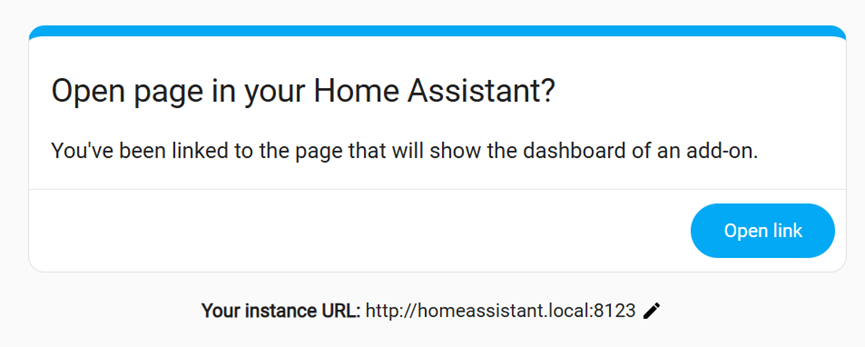
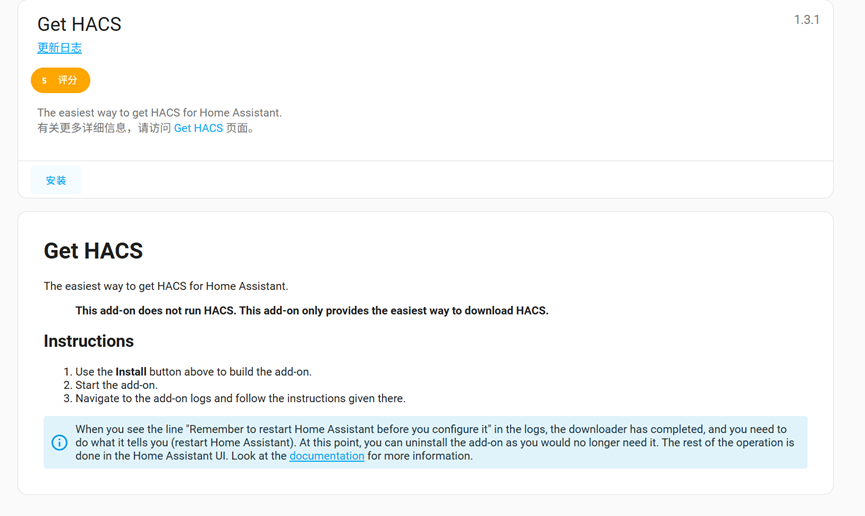
Follow the prompts to install the missing components, then you can install get HACS. Heads up: HACS isn’t installed yet at this point, this only lets you download HACS, so restart Home Assistant once it’s done.
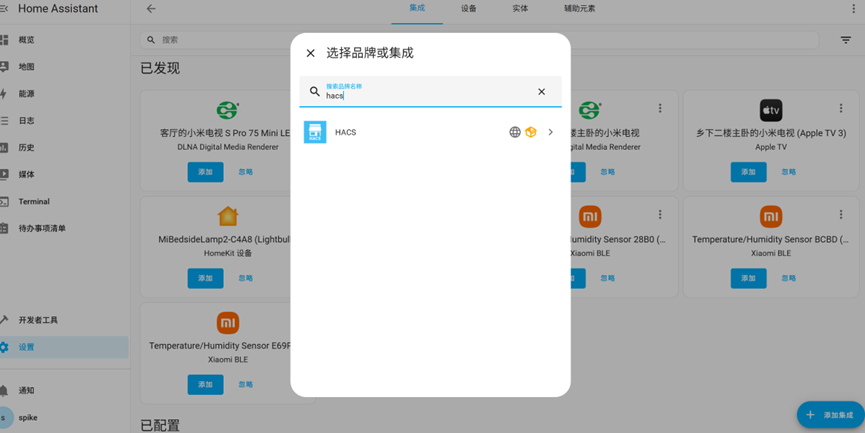
After the restart you can search for HACS in the integrations.
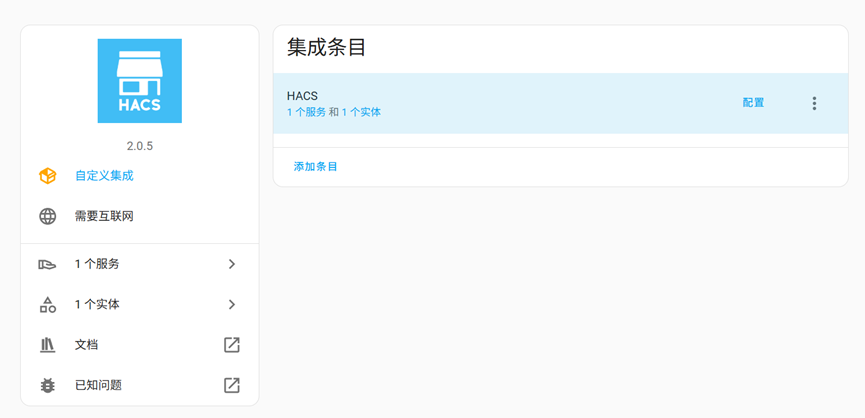
Just follow the prompts to add your own device on github, then restart Home Assistant again once that’s done.
After the restart you can find xiaomi home and install it.
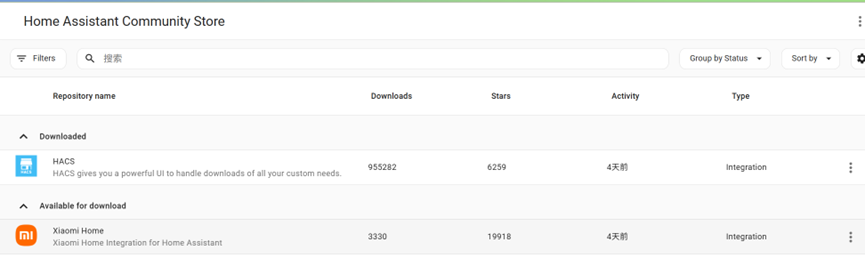
Here the official docs actually recommend installing from the command line, since upgrades are easier that way. You can of course install it through HACS too, but I went with the command line.
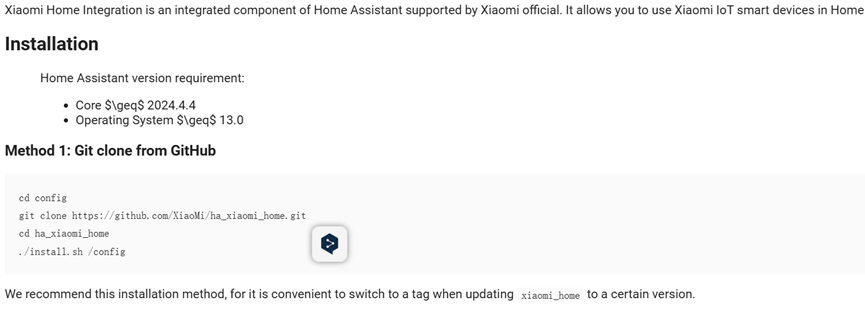
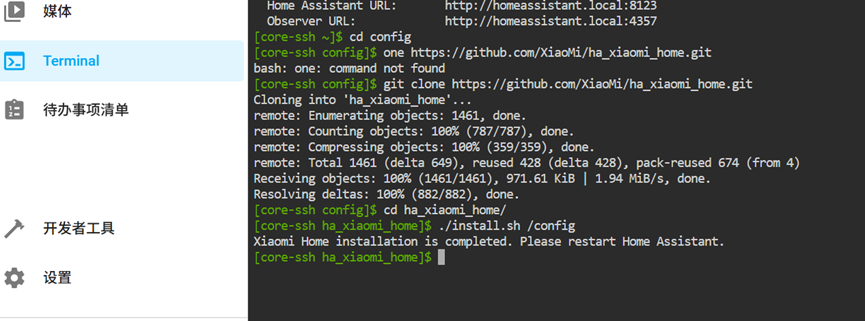
Follow the official prompts, restart after installing, and once that’s finished you’ll see the xiaomi home integration in settings and can install it.
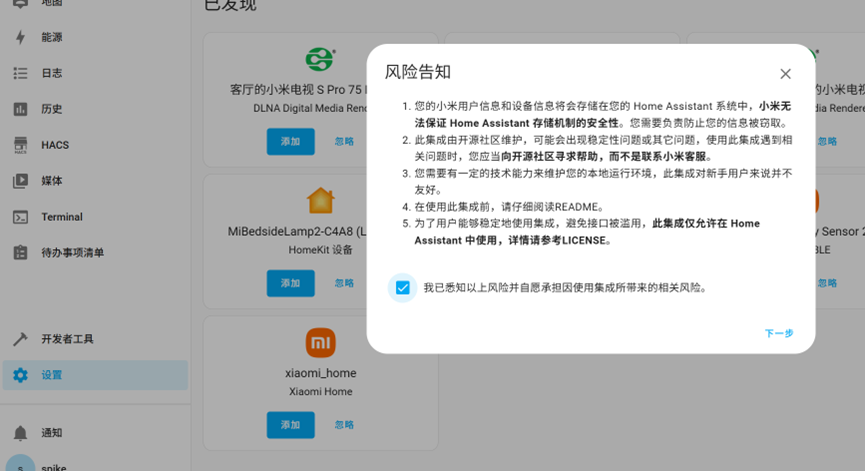
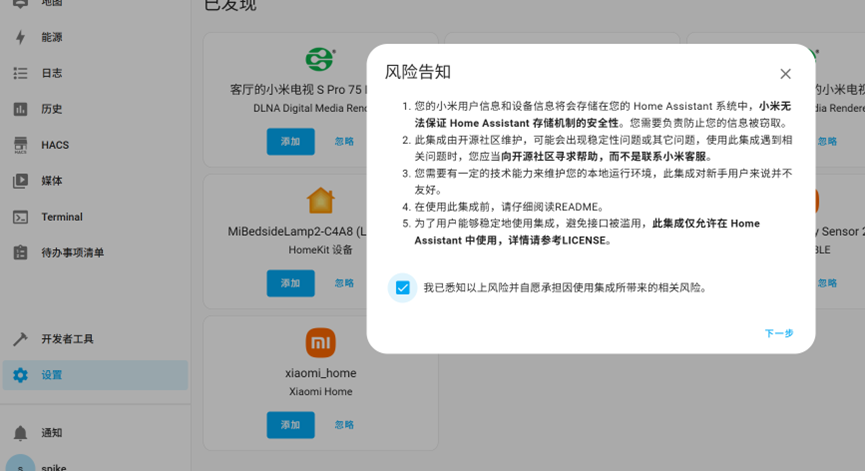
Adding it runs a network check, so you can turn your proxy off first to keep the check from going wrong. Once it’s added you can log into your Xiaomi account.
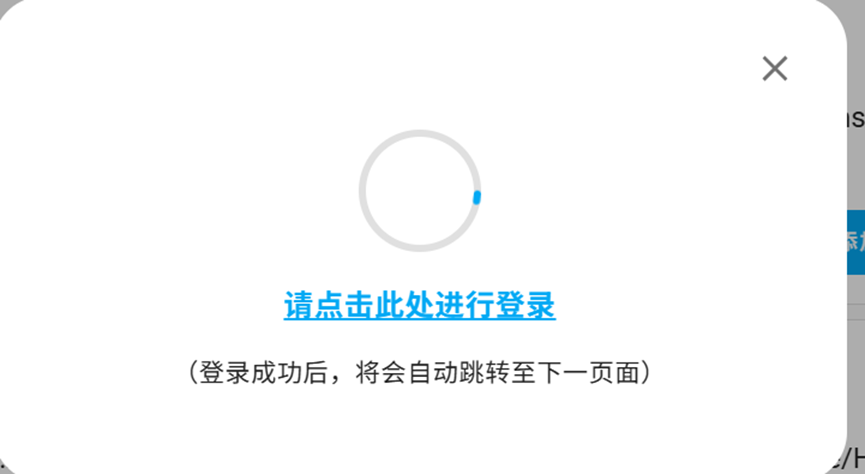
Add the homes and devices from your account, and when that’s done you can control those devices.

Reference links
https://zhuanlan.zhihu.com/p/23601857854
https://www.hacs.xyz/docs/use/download/download/#to-download-hacs
https://github.com/XiaoMi/ha_xiaomi_home/blob/main/doc/README_zh.md
http://homeassistant.local:8123/hacs/repository/854347601
Published on June 2, 2025.