 By 管理员

I went straight to hermes’s official quick install command.

curl -fsSL https://raw.githubusercontent.com/NousResearch/hermes-agent/main/scripts/install.sh | bash
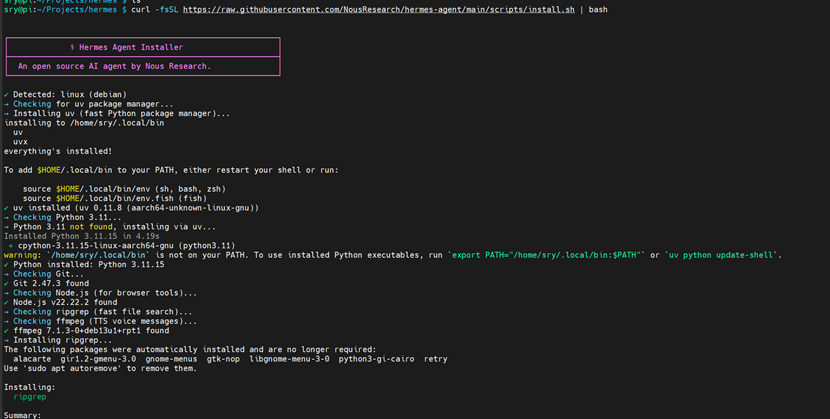
Dependencies get installed automatically as part of the install.
Note: my Raspberry Pi already had a proxy configured. If you run into pull errors or anything like that when installing it yourself, debug it on your own, or check out my OpenWrt posts for how to set it up.
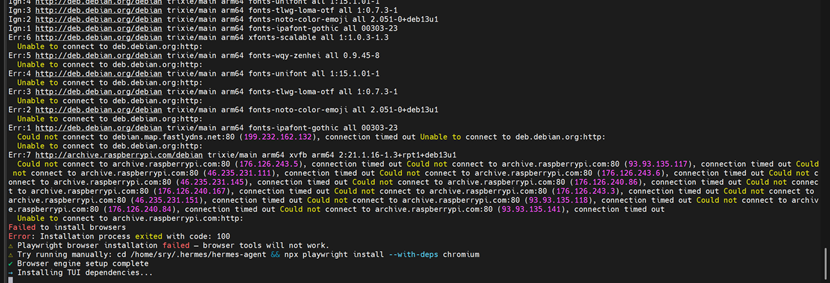
Some components also fail to install along the way, and you have to handle those manually following the prompts.
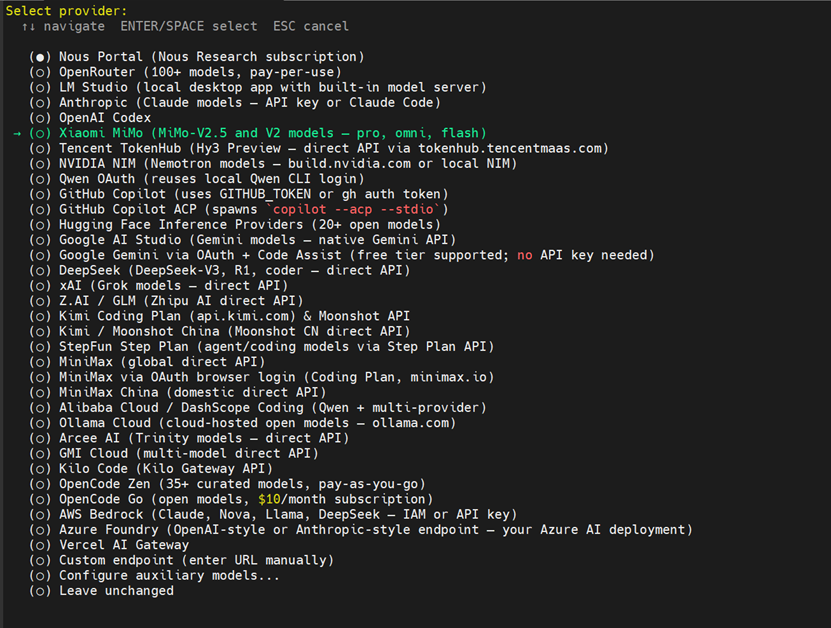
Once the install finishes, the setup flow starts right there and asks you to pick a model. We’re using Xiaomi’s MiMo here. Too bad that for this application Xiaomi only gave us a 200 million tokens plan, but since we’re using it for free, I’m not going to overthink it. Later I can hook up APIs from other providers too.

Enter the personal API you created on Xiaomi’s MiMo site.


Refresh bash after installing, otherwise the hermes command won’t be found
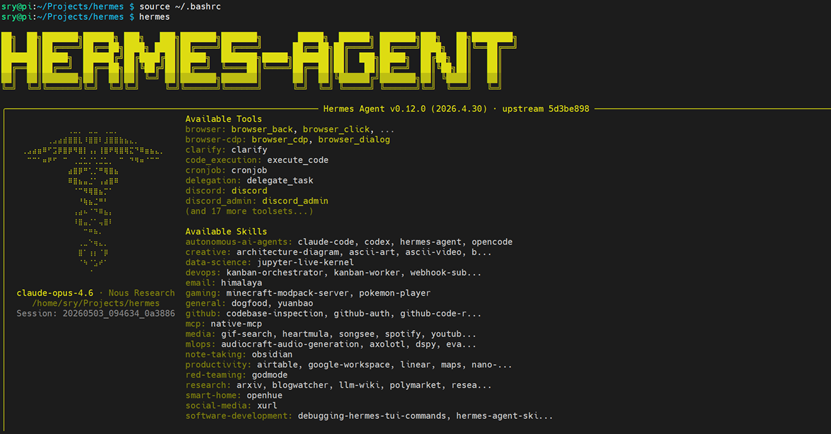
My network dropped during the install, which cut the initial setup short. You can run hermes setup to go through the whole configuration again.
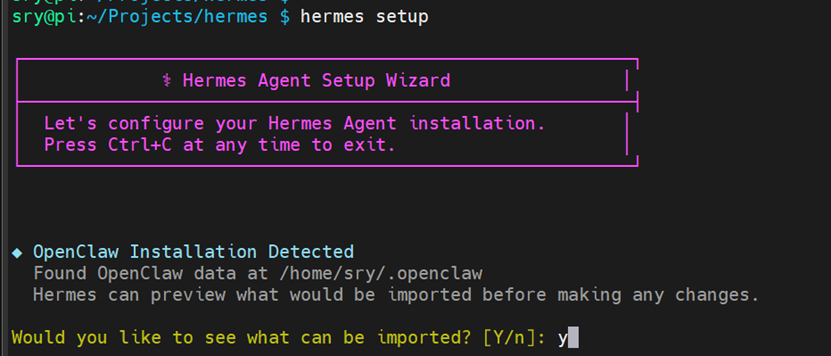
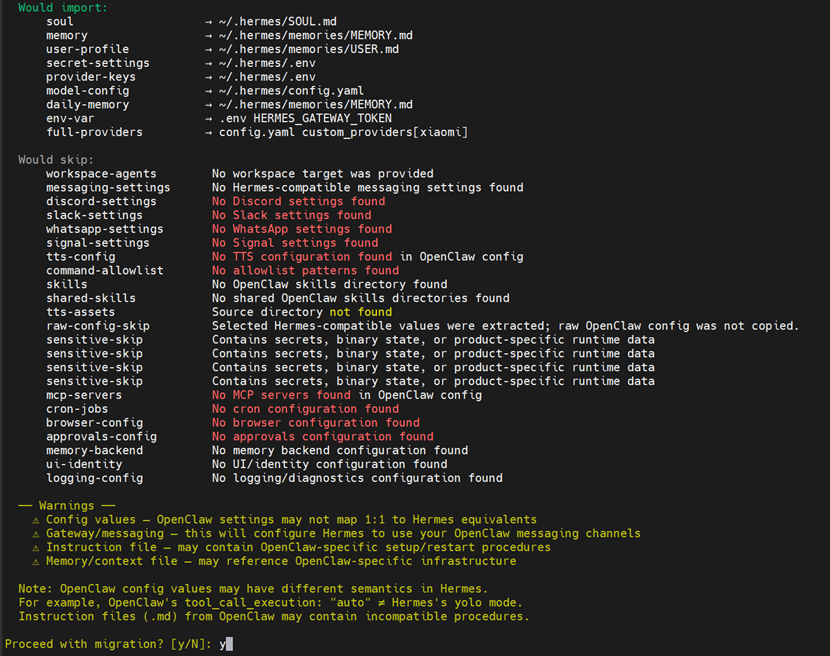
My Raspberry Pi had openclaw installed before, so setup asks whether to migrate your data. Just follow the prompts and import it step by step. The migration here looked incomplete though, so we’ll do one more pass at the end. After that you can go through the full setup.
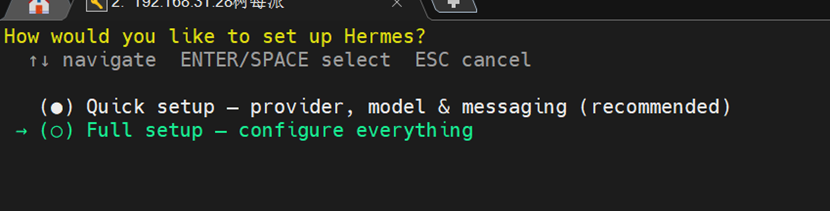

Hermes can store multiple credentials under the same provider and automatically switch to another one when one runs out of quota or hits a rate limit. That keeps your main provider usable and cuts down on interrupted calls caused by quota issues. But ours is just the free tier, so we don’t need multiple APIs.
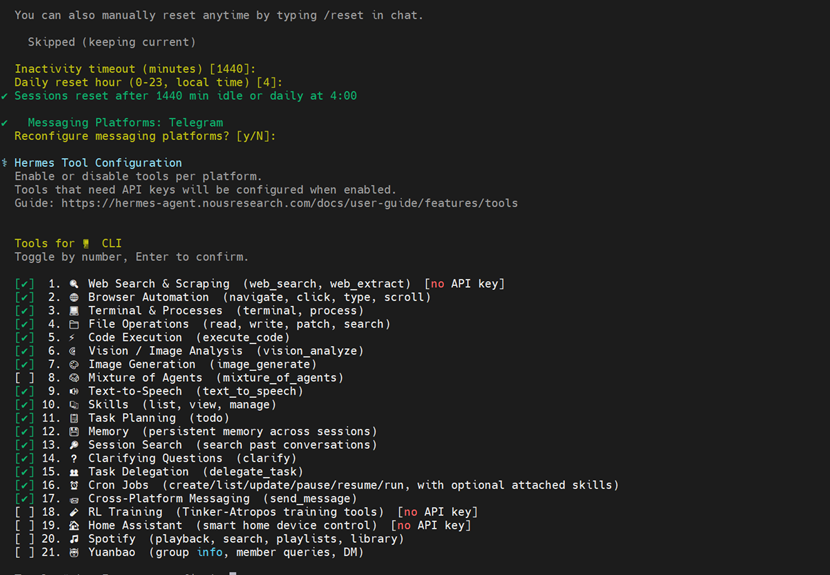
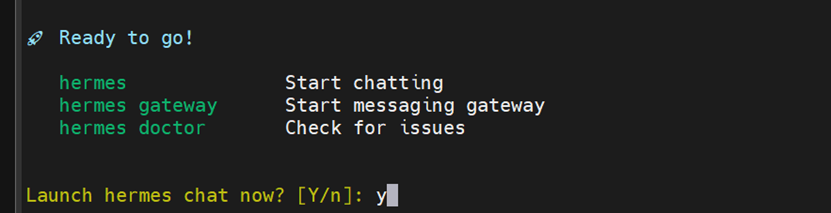
Leave everything else on the official defaults and change it later if you need to.
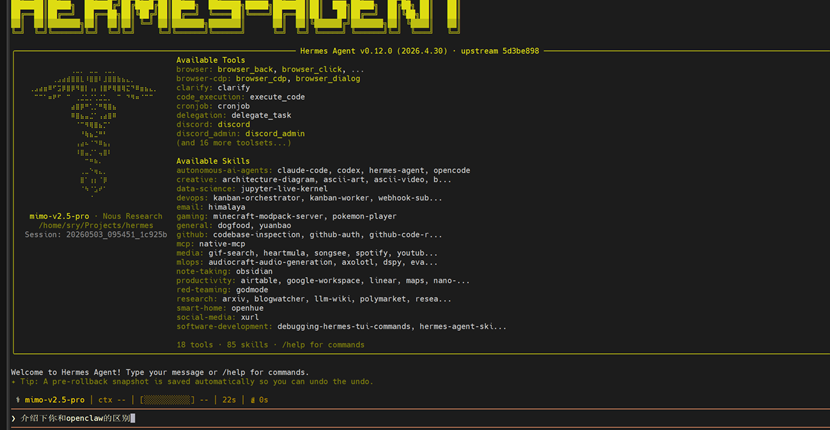
And that’s the configuration done.
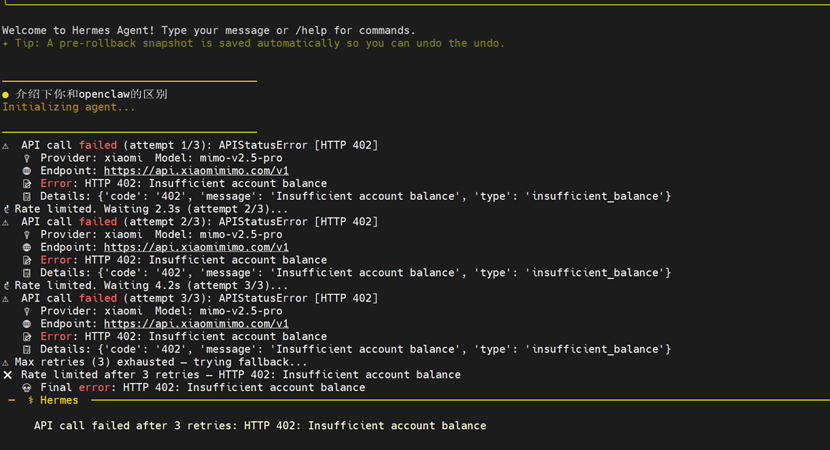
I only noticed this mistake once I actually started using it.
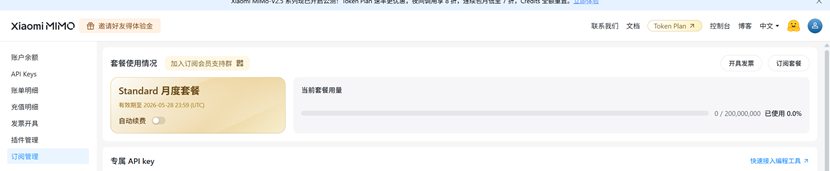
The API for a MiMo token plan should be created from its dedicated page!!!!!!
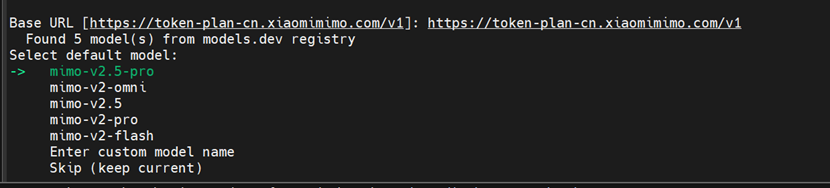
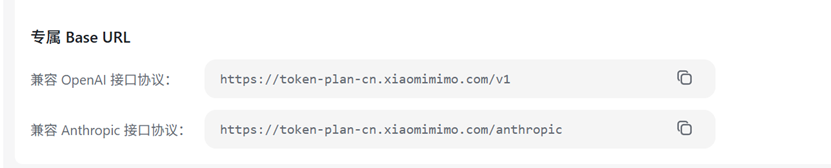

Important: remember to fill in the dedicated URL during setup!!!
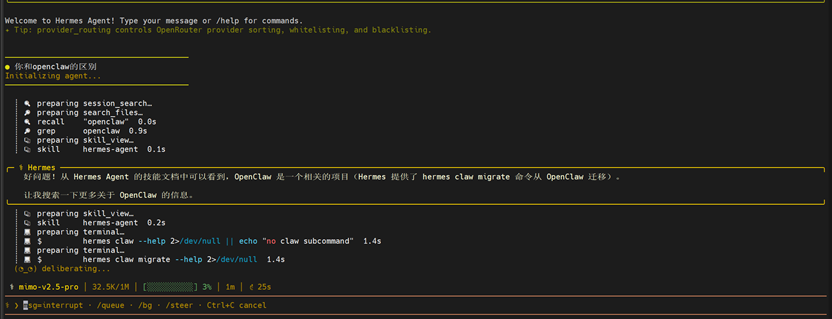
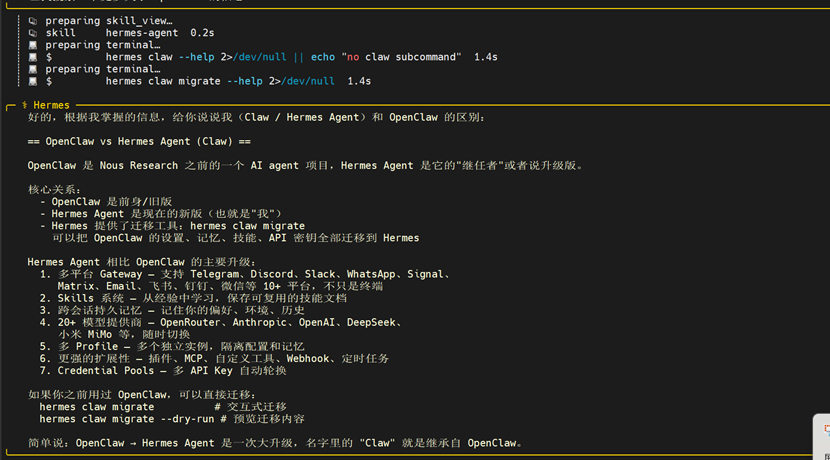
Once it’s reconfigured you can start using it. Time to enjoy the free usage.
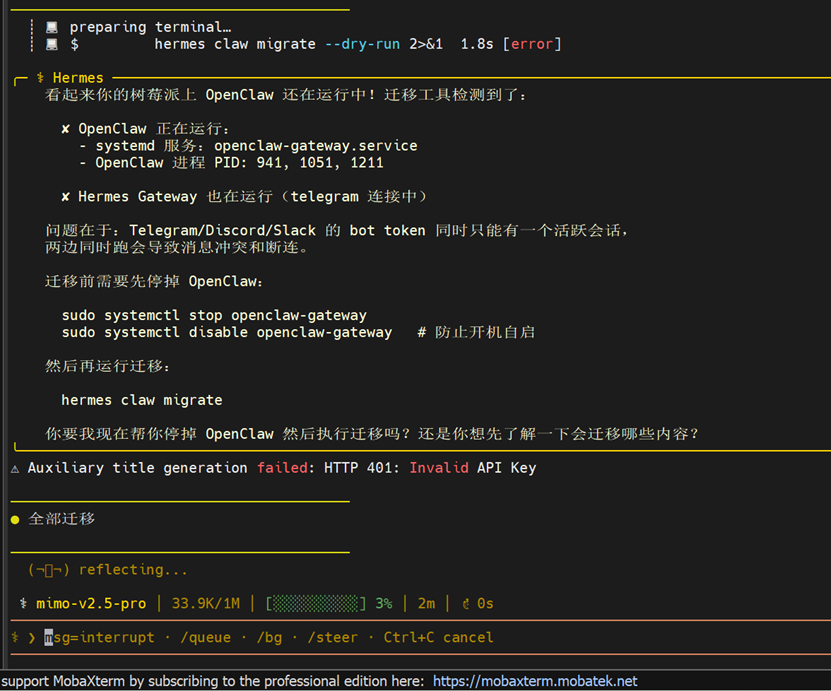
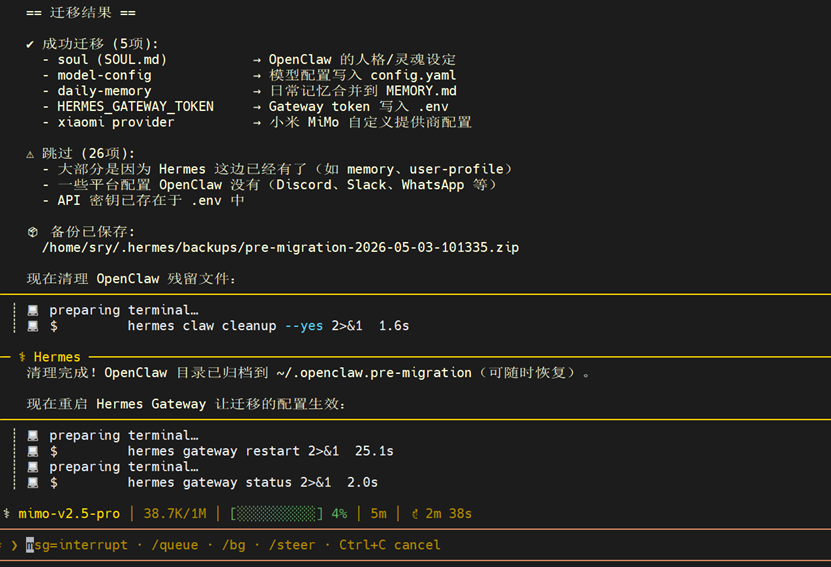
After that you can migrate openclaw’s data over to hermes, including your previous bot APIs or model APIs.
References:
https://github.com/nousresearch/hermes-agent
https://zhuanlan.zhihu.com/p/2027128115831260939
https://platform.xiaomimimo.com/console/api-keys
Published on May 3, 2026.